
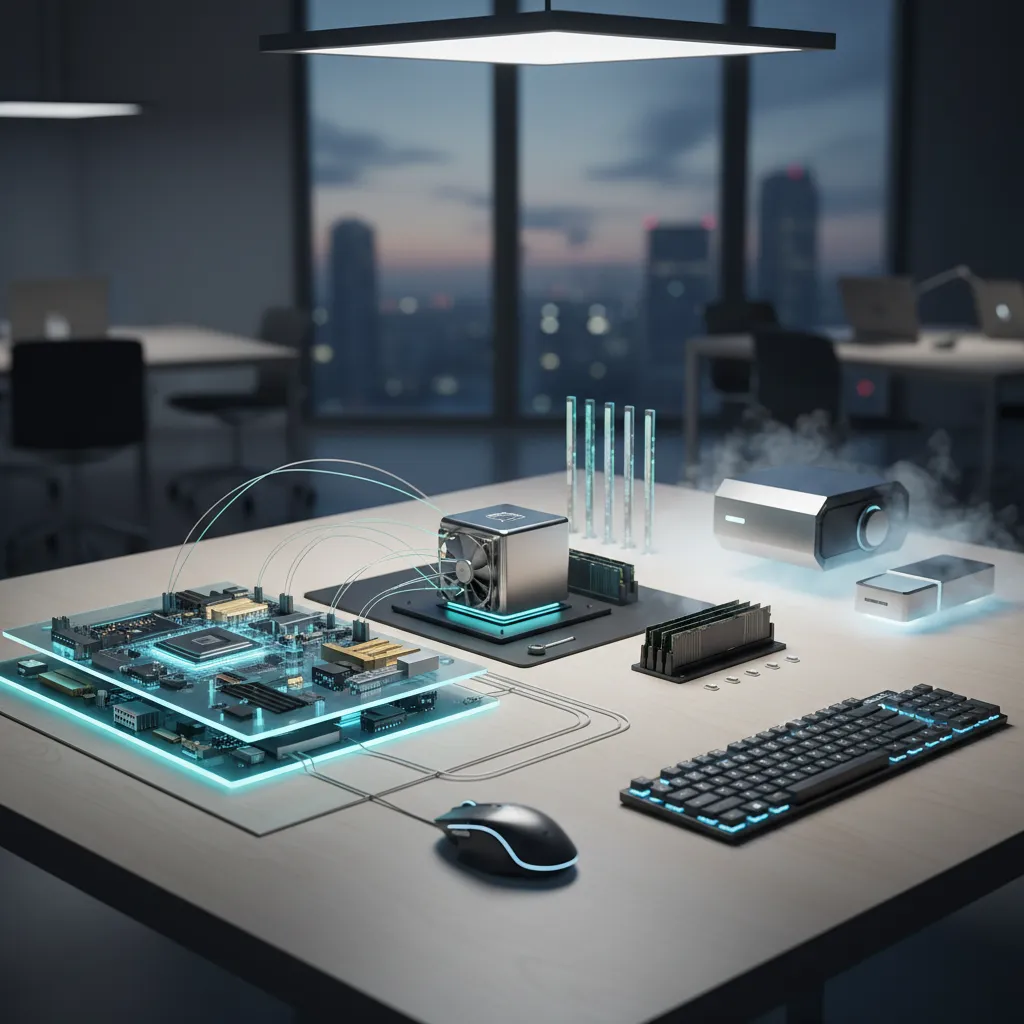
- A computer is an electronic device that manipulates information, or data, based on a set of instructions.
- All computers follow the IPO Model: Input, Process, Output, and Storage.
- The physical parts you can touch are Hardware; the code and instructions are Software.
- Modern computers range from massive supercomputers to tiny embedded chips in household appliances.
In the modern era, asking “what is a computer?” might seem redundant. We carry them in our pockets, wear them on our wrists, and sit in front of them for work. However, understanding the fundamental architecture of these machines reveals a fascinating interplay of logic, electricity, and engineering. At its core, a computer is a programmable electronic device designed to accept data, perform prescribed mathematical and logical operations at high speed, and display the results of these operations.
The Fundamental Concept: How Computers Think
Computers do not “think” in the biological sense. Instead, they operate using a binary system. While humans typically count in a base-10 system, computers use base-2, consisting solely of 0s and 1s. These binary digits, or “bits,” represent electrical states: off (0) and on (1). By combining billions of these bits, computers can represent complex numbers, letters, images, and videos.
The IPO Model
Regardless of whether it is a gaming desktop or a smart thermostat, every computer functions according to the Information Processing Cycle (IPO):
- Input: Data is entered into the system (e.g., typing on a keyboard, clicking a mouse).
- Processing: The central brain of the computer manipulates the data based on instructions.
- Output: The processed information is presented to the user (e.g., appearing on a screen, printing a document).
- Storage: Data is saved for future use (e.g., hard drives, cloud storage).
Hardware vs. Software: The Digital Symbiosis
A computer system is useless without the cooperation of two distinct elements: hardware and software. Hardware is the machinery, while software is the intelligence that drives it.
| Feature | Hardware | Software |
|---|---|---|
| Definition | Physical components of a computer system. | Set of instructions that tells the hardware what to do. |
| Tangibility | Tangible (can be touched and felt). | Intangible (digital code). |
| Durability | Can wear out over time due to heat and usage. | Does not wear out, but can become obsolete or buggy. |
| Examples | Monitor, CPU, Keyboard, Hard Drive. | Windows, macOS, Microsoft Word, Chrome. |
Inside the Box: Key Hardware Components
To understand what a computer is, one must look under the hood. Here are the essential components that power a standard personal computer:
1. The Motherboard
Think of the motherboard as the central nervous system. It is a large circuit board that connects all other components, allowing them to communicate. If the CPU is the brain, the motherboard is the spine.
2. Central Processing Unit (CPU)
The CPU is the primary component responsible for interpreting and executing instructions. Modern CPUs, manufactured by giants like Intel and AMD, contain multiple “cores” allowing them to handle several tasks simultaneously. Speed is measured in Gigahertz (GHz).
3. Random Access Memory (RAM)
RAM is the computer’s short-term memory. It stores data that the CPU is actively using. When you open a program, it loads into RAM. Because it is volatile, everything in RAM is wiped clean when the computer is turned off.
4. Storage (HDD and SSD)
Unlike RAM, storage drives hold your data permanently.
- HDD (Hard Disk Drive): Uses spinning magnetic platters. Cheaper but slower.
- SSD (Solid State Drive): Uses flash memory with no moving parts. Significantly faster and more durable.
Types of Computers
When we ask “what is a computer,” we often visualize a laptop. However, the definition encompasses a broad spectrum of devices:
“Computers are incredibly fast, accurate, and stupid. Human beings are incredibly slow, inaccurate, and brilliant. Together they are powerful beyond imagination.” – Albert Einstein (Attributed)
- Personal Computers (PCs): Designed for general use by a single person. Includes desktops and laptops.
- Workstations: High-performance computers designed for specialized tasks like 3D rendering or scientific analysis.
- Servers: Computers that provide data or services to other computers over a network. They run 24/7 and manage internet traffic.
- Mainframes: Massive computers used by large organizations for bulk data processing and critical applications.
- Supercomputers: The fastest computers in the world, used for complex simulations like climate modeling and nuclear physics.
- Embedded Systems: Specialized computers integrated into other devices, such as the chips inside cars, washing machines, and traffic lights.
Frequently Asked Questions
What is the difference between memory and storage?
Memory (RAM) is temporary workspace for the processor to handle active tasks, while storage (SSD/HDD) is where files and programs are kept permanently. Think of RAM as your desk workspace and Storage as the filing cabinet.
Is a smartphone considered a computer?
Yes, absolutely. A smartphone contains a CPU, RAM, storage, and an operating system, making it a fully functional, highly portable computer.
What is an Operating System (OS)?
An Operating System is the most critical system software that manages computer hardware and software resources. Common examples include Microsoft Windows, macOS, Linux, Android, and iOS.
What happens if a computer has no software?
Without software, a computer is merely a collection of metal and plastic components. It requires an Operating System to boot up and applications to perform useful tasks.